

Upload Your Own Documents to Marvin Labs
Private document upload is live. Broker research, internal memos, third-party data: upload the file and we handle the rest, preparing it for the AI to read and tagging it with the right metadata. Any AI surface, AI Analyst Chat and Deep Research Agents included, can then read it when appropriate.
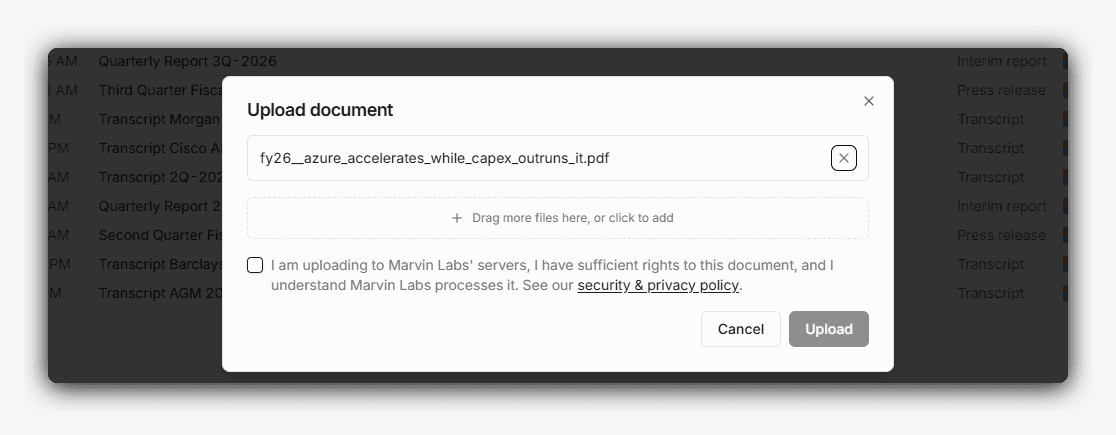
Right now we support PDF, plain text, and Markdown, up to 500 MB per file. Word documents and images are next on the list.
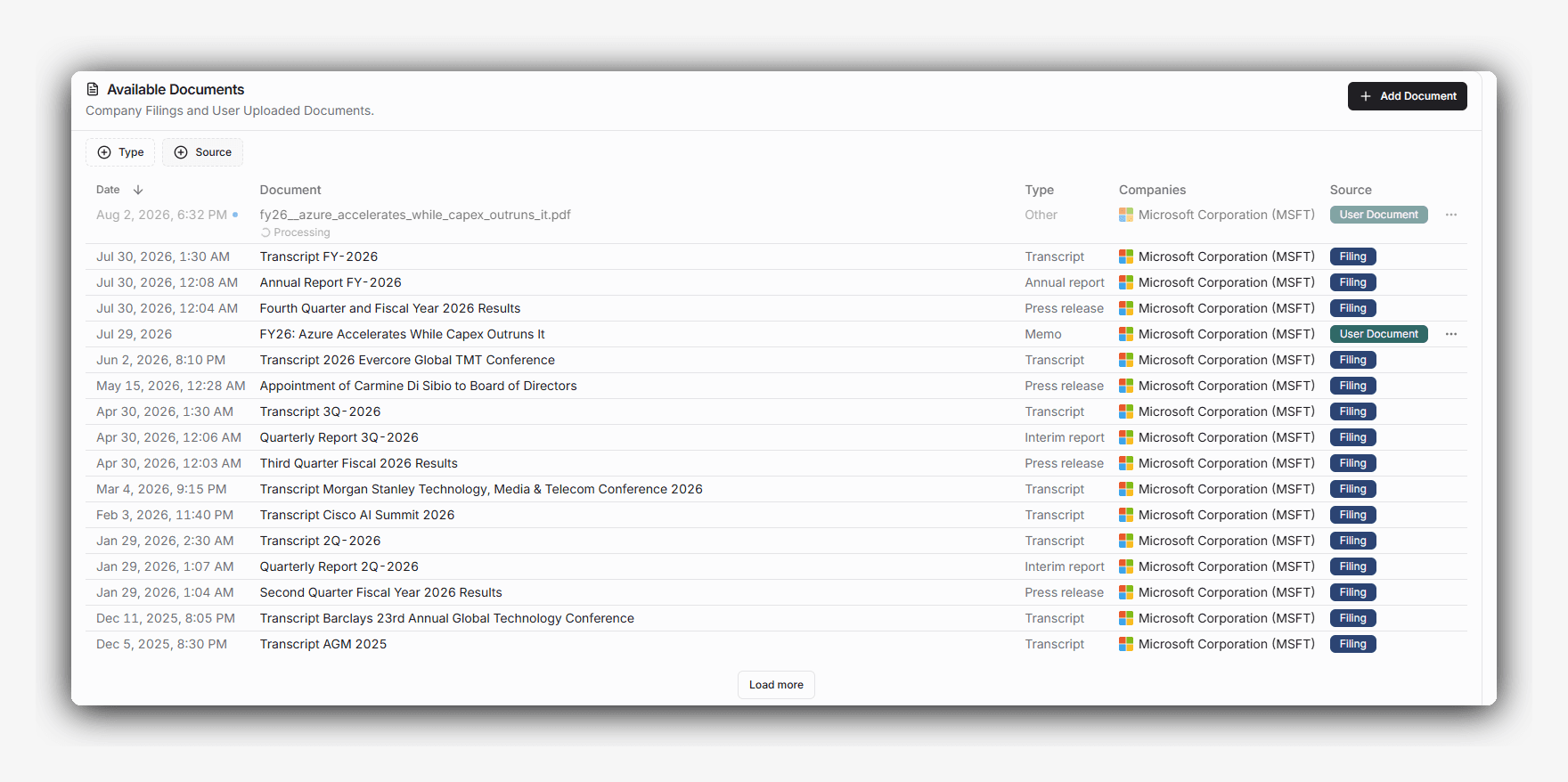
How the AI uses the documents
An uploaded document is added to the pool of material available for the company it concerns, or for several companies when it covers more than one. From there the AI treats it like any other piece of information it can reach. The one caveat is that it knows where the file came from, and may apply a different level of caution to the document and to the claims inside it than it would to a filing.
Stop the Hype
Hype: load twenty years of research into the AI and your archive becomes a moat.
Reality: we argued the opposite in The Proprietary Research Myth, and shipping this feature has not changed the view. A pile of old notes does not generate an edge on its own. What upload does is narrower and more useful day to day: the document you need is in reach while you are working on the company, instead of in a folder on a drive somewhere.
Security: who can see it
You control who sees your files. On the Standard and Pro plans, files stay private to you. On the Enterprise plan, you can share a file inside your organization, but you stay in control.
We do not train models on customer queries or uploaded content, and that holds for every third-party model provider we call. Files are encrypted in transit and at rest. Delete a file from your private documents and we retain nothing. The security page sets out the rest.
Automated integration: SharePoint, Google Drive, and other sources
Firms that keep their research in SharePoint or Google Drive can have it imported automatically. Connected sources are available on the Enterprise plan and are set up with us directly, since each one needs configuration on both sides.
Common questions
Try it on your coverage
Try Chat and research agents with 1,500 AI credits on the evaluation companies. Create a free evaluation account, with no sales call.
Discuss your coverage and workflow with the founder in a 30-minute call.

Alex is the co-founder and CEO of Marvin Labs. Prior to that, he spent five years in credit structuring and investments at Credit Suisse. He also spent six years as co-founder and CTO at TNX Logistics, which exited via a trade sale. In addition, Alex spent three years in special-situation investments at SIG-i Capital.


